
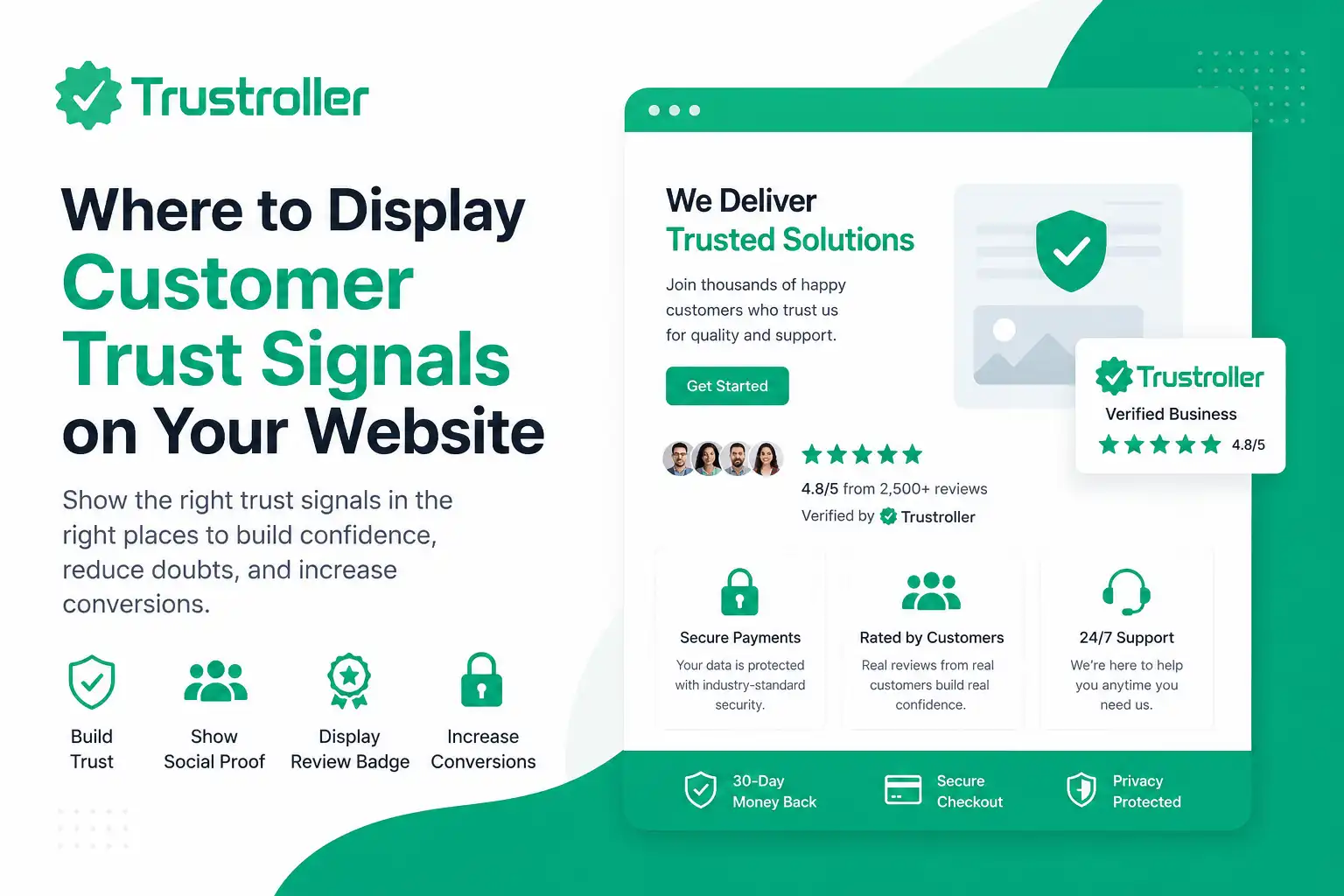
Our website may have a professional design, clear pricing, useful services, and attractive offers. However, new visitors may still hesitate to contact you, place an order, create an account, or complete a payment.
The reason is simple: they do not know your business yet.
A first-time visitor may ask several questions before taking action:
- Is this business legitimate?
- Have other customers used this service?
- Are the reviews authentic?
- Is the payment process secure?
- Will the company provide support after purchase?
- Can I verify the business outside its own website?
This is where customer trust signals become important.
Customer trust signals are visible elements that help visitors evaluate the credibility, transparency, and reliability of a business. They may include customer reviews, a review badge, business information, secure payment notices, contact details, service guarantees, refund policies, client testimonials, and independent business profiles.
However, simply adding these elements to a website is not enough. Their placement matters. A trust signal should appear where a visitor is most likely to have a question, concern, or hesitation.
In this practical guide, you will learn where to display customer trust signals across your website, including the hero section, landing pages, service pages, checkout pages, and footer.
Why Customer Trust Signals Matter for Conversion
Online customers cannot physically visit every business, meet the service provider, or inspect a product before making a decision. They must depend on the information available on the website.
When a website provides little evidence of credibility, visitors may leave without taking action. They may also compare the business with competitors that offer clearer reviews, policies, and company information.
Effective customer trust signals can help visitors:
- Understand that the business is active and transparent.
- See feedback from previous customers.
- Verify important company information.
- Feel more confident before making a payment.
- Understand the available support and refund conditions.
- Make a decision without unnecessary uncertainty.
One of the most powerful forms of trust is social proof. Social proof shows that other people have already interacted with a business, product, or service.
Examples include:
- Verified customer reviews.
- Ratings from previous buyers.
- Customer testimonials.
- Number of completed projects.
- Public business responses to reviews.
- Independent business profile links.
Social proof should always be genuine. Fake reviews, edited ratings, misleading customer counts, or copied testimonials can damage trust and may create legal or platform-related problems.
The goal is not to pressure visitors. The goal is to give them enough reliable information to make an informed decision.
Step-by-Step Guide: Where to Display Trust Signals
Frequently Asked Questions
What are customer trust signals?
Customer trust signals are website elements that help visitors evaluate the credibility of a business. Examples include reviews, ratings, review badges, contact information, company policies, secure payment notices, and verified business profiles.
Where should I place a review badge?
A review badge can be placed in the hero section, beside a contact form, near pricing, close to a checkout button, or in the footer. The best location depends on where customers are most likely to need reassurance.
Can I show the same reviews on every page?
You can display a general rating summary across several pages. However, product-specific or service-specific reviews should be placed on the most relevant pages. This makes the social proof more useful to visitors.
Do negative reviews reduce customer trust?
Not necessarily. A reasonable mix of feedback may appear more authentic than a completely perfect profile. Responding professionally to criticism can demonstrate transparency and responsible customer service.
Make Trust Visible at Every Important Decision Point
Customer trust is not created by one badge, one testimonial, or one page. It is built through consistent transparency across the entire customer journey.
Place customer trust signals where visitors naturally have questions—at the top of your website, beside service details, near forms, around pricing, and before checkout. Use genuine reviews, clear policies, verified business information, and relevant social proof.
Every trust signal should be accurate, easy to verify, and useful to the visitor. Avoid exaggerated claims, fake reviews, and unnecessary badges. A simple, honest presentation is often more effective than an overly promotional one.
Comments (0)