
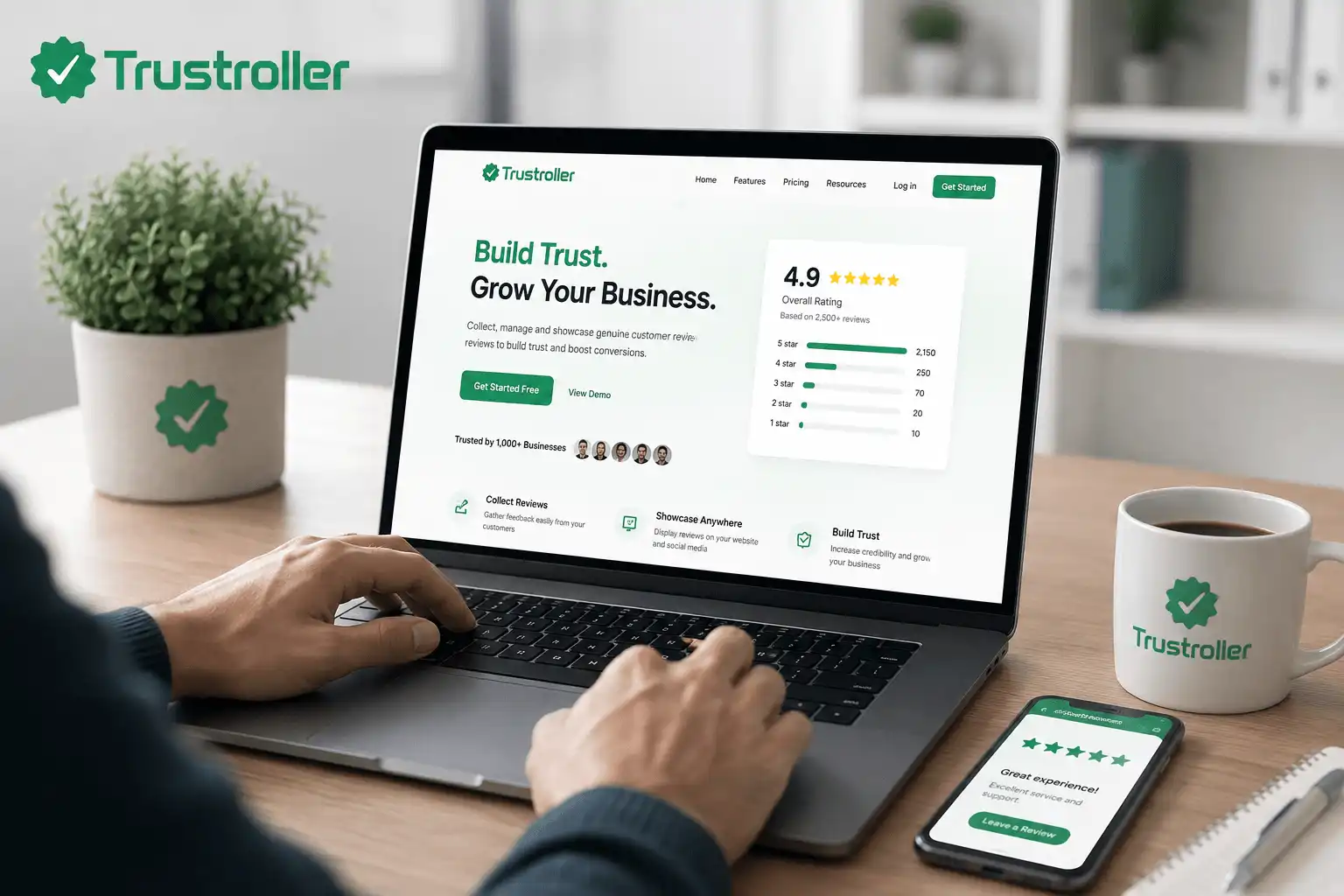
Why an Online Business Review Platform Matters
Step-by-Step Guide to Using an Online Business Review Platform
Step 1: Choose a Suitable Review Platform
Start by selecting an online business review platform that matches your type of business.
Some platforms focus on local businesses, while others cover software companies, online stores, professional services, freelancers, restaurants, travel businesses, or general business listings.
Before creating a profile, check what type of businesses the platform supports, what information it displays, whether customers can submit reviews, and what profile-management features are available.
Step 2: Create or Claim Your Business Profile
Many review platforms allow businesses to create a new profile or claim an existing business listing.
Provide accurate information such as:
- Business name
- Website address
- Business category
- Contact information
- Short business description
- Location, when relevant
- Customer support information
Make sure the information matches the details published on your official website and other business profiles.
Consistency makes it easier for customers to recognize your business.
Step 3: Complete Your Business Information
An incomplete profile may not give potential customers enough information.
Add useful details about what your business does, what services you provide, how customers can contact you, and where they can find additional information.
Avoid exaggerated statements such as “100% guaranteed best service” unless you can genuinely support the claim.
Clear, factual information generally creates a more professional impression than aggressive promotional language.
Step 4: Invite Genuine Customers to Share Feedback
Businesses can encourage real customers to leave feedback after completing a purchase or receiving a service.
You might include a review request in a follow-up email, order confirmation page, customer dashboard, receipt, or support conversation.
Keep the request neutral.
For example, ask customers to share their experience rather than asking specifically for a five-star review.
This helps maintain the credibility of your review profile.
Step 5: Respond Professionally to Reviews
Reviews are not only for customers. They can also provide businesses with an opportunity to communicate.
When someone leaves positive feedback, a simple thank-you response can show appreciation.
When someone leaves criticism, respond calmly and professionally. Avoid arguments, insults, threats, or sharing private customer information publicly.
Instead, acknowledge the concern, provide relevant clarification, and offer an appropriate support channel when necessary.
Professional responses can show future visitors how your business handles customer concerns.
Step 6: Monitor Customer Feedback
Review your feedback regularly.
Look for repeated comments about:
- Product quality
- Delivery
- Pricing
- Website usability
- Communication
- Customer service
- Refund procedures
- Technical problems
A single complaint may be an isolated incident, but repeated complaints about the same problem can indicate something worth investigating.
Step 7: Use Reviews to Improve Your Business
The most valuable part of an online business review platform is not simply collecting ratings. It is learning from customer experiences.
For example, if customers repeatedly say your checkout process is confusing, you may simplify the payment steps. If customers appreciate fast support, you may continue strengthening that part of your operation.
Reviews should become part of your customer-experience improvement process rather than only a marketing tool.
Common Mistakes to Avoid
Beginner Checklist
Before using an online business review platform, make sure you have:
- Selected a platform relevant to your business
- Used your correct business name
- Added your official website
- Provided accurate contact information
- Completed your business description
- Verified or claimed your business profile when available
- Created a process for requesting genuine customer feedback
- Prepared professional responses for customer concerns
- Started monitoring recurring feedback
- Avoided fake or misleading reviews
- Protected customer privacy
- Reviewed the platform's current review and moderation policies
Comments (0)