
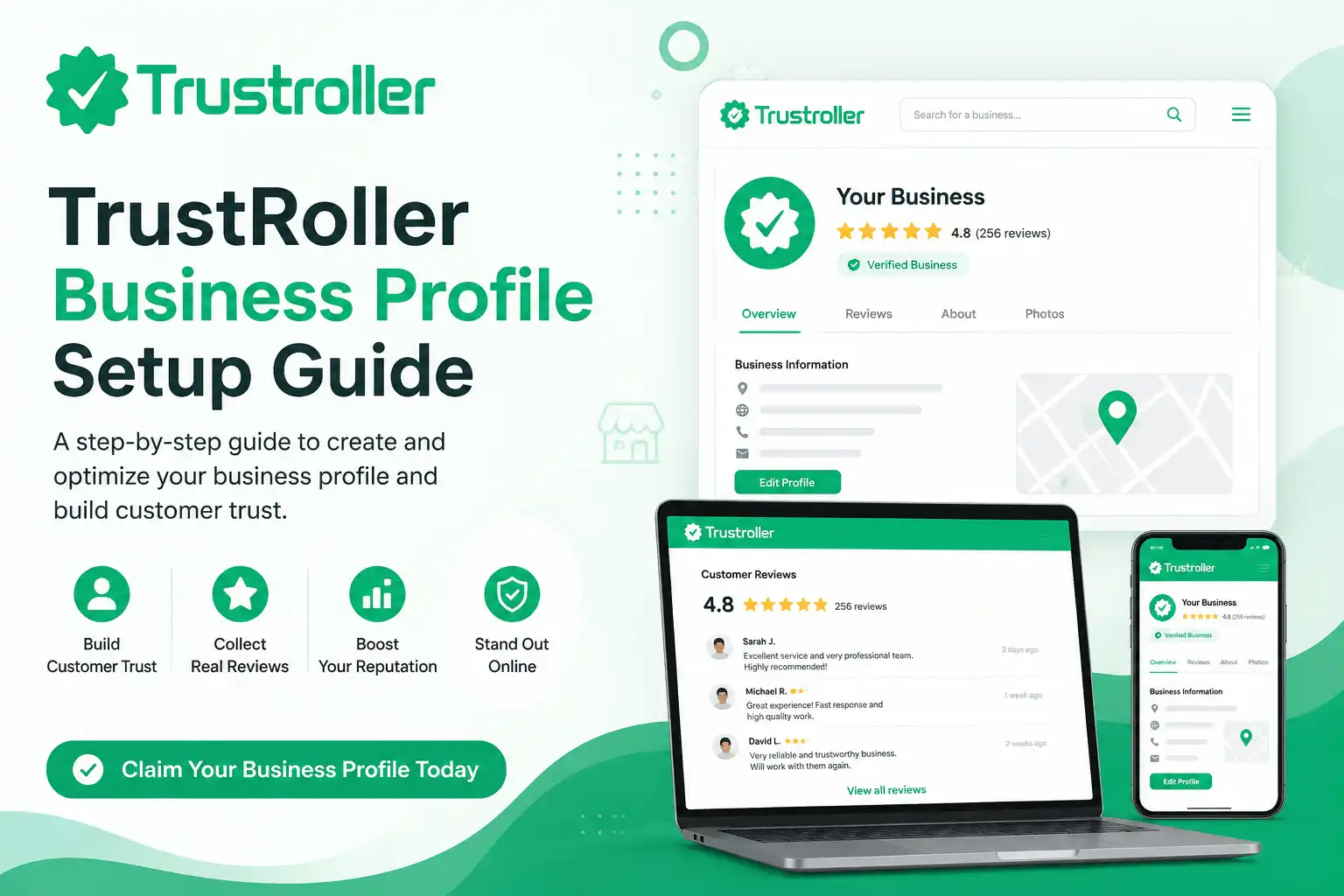
A strong online reputation starts with business information and real customer feedback. When people look at companies, SaaS tools or service providers they often check reviews before deciding. A full TrustRoller profile gives your business a spot where visitors can find out what you do read what customers say and see how professionally you handle feedback.
This TrustRoller guide shows how to make, claim and improve your business review profile step by step. The aim is not just to put up a listing. The aim is to create a page that shows your company the right way. Whether you run a business, an online store, a software product or a professional service the same ideas apply: give correct details use the same branding ask for real reviews and talk in a polite way.
By using this TrustRoller guide business owners can make a profile that helps customers and new people looking to buy. A made profile can answer usual questions make your company easier to recognize and offer a clear place, for customer opinions.
Why It Matters
When a company profile is not complete it can be really confusing for people who are looking for information about the company. A potential customer might find the company but then they see that the contact information is missing there is no description or the details are old. Even if the company is really good at what it does a profile that is not finished can make it seem like the company is not doing anything.
Having a company profile that's complete and up to date is a good idea because it helps to avoid confusion by putting all the important information in one place.
TrustRoller is a website where people share their experiences with companies and companies can build trust with their customers by being honest and open about what people're saying. On TrustRoller companies can claim their profiles. Then respond to what their customers are saying about them and they can also highlight the information that has been verified. These things can help customers trust companies more because they can see that the company is really there and willing to talk to them.
Just because a company claims its profile on TrustRoller it does not mean that the company is automatically good. The reputation of a company still depends on how they do their job and how they handle what their customers are saying about them. A company profile should have information, about the company and should show what customers really think. When a company has a balance of bad reviews and responds to them in a thoughtful way it is often more believable than if they just use fancy language or make promises they cannot keep.
Step-by-Step Setup Guide
1. Search for Your Business
Go to TrustRoller. Search for your business name or website address. Try ways to spell the name and make sure the domain listed belongs to your company. This helps avoid having listings and allows you to find a profile that customers might have already made.
If a profile is there look at the company name, website, category and description before starting the claim process. Make sure you have found the business and not another company with a similar name.
If no profile shows up use the Add Business section to submit the business name and website address. TrustRoller has an Add Business form for companies that are not yet listed.
2.. Sign In to Your Account
Make a TrustRoller account or sign in to the account you already have. Use an email address that you check often an official company email that is connected to your business domain.
Keep the login details safe. Decide who will be responsible for managing the profile. Do not make accounts for the same company unless different authorized people really need separate access.
Finish any account confirmation or email verification steps that the platform shows. This keeps your business activity linked to an account and lowers the chance of losing access later.
3. Claim the Correct Business Profile
Open the correct business listing. Choose the option to claim the profile. Follow the instructions for proving you own the business that appear on the screen.
TrustRoller business pages show which profiles are claimed and may show details like business information, owner identity and proof of business ownership. Claimed profiles can also reply to customer reviews.
Only give up-to-date information. Never use someone Identity, an unrelated website or changed business documents. Contact TrustRoller support if you are not sure about something of putting wrong information.
4. Complete Your Business Information
Add your business name, website, category contact details, operating hours and location when needed. Use the way of writing the name that appears on your website, social media pages, invoices and other official places.
Consistent details help visitors know they have found the company. It also helps avoid confusion when a business uses a trading name that's different from its real name.
Write a description of your company that explains what you do who you help and what products or services you offer. Avoid statements like "the best in the world" or "100% guaranteed" unless you can prove them.
A simple and clear description is better for customers. Helps build trust.
5. Add Branding and Profile Details
Upload a company logo and other business images when the option is available. Use high-quality images that match the branding on your official website.
Avoid photos, unrelated pictures, stretched logos or images with too much text. Your pictures should help people recognize your business not distract them.
Check how the final business profile looks on both desktop and mobile devices. Make sure the logo is easy to read the description is properly set up. Important details are not missing or cut off.
6. Read the Rules Before Collecting Reviews
Read TrustRoller’s Review Guidelines and Community Standards before asking customers to give feedback. The platform does not allow participation, fake engagement, planned review manipulation or hidden rewards for reviews. Businesses should also talk in a way and tell the truth about their services.
Ask for feedback from customers who have really used your product or service. Do not ask happy customers write reviews for customers or pay people specifically for five-star ratings.
Use a request like:
"Thank you for choosing our business. Please share your experience on our TrustRoller profile."
This way customers can talk about their experience without pressure.
7. Respond to Reviews
When customer reviews come in reply in a calm, respectful and helpful way. Thank people for comments but do not use the same reply for every review.
For a review say you understand the customer’s issue explain what the business will do next and invite the customer to talk more through a private support channel.
Never put payment information email addresses, phone numbers, private messages order details or other personal customer data in a reply. TrustRollers rules say you need to be respectful and protect information.
A professional reply does not mean you have to agree with everything. It just shows that your company listens, talks and takes problems seriously.
8. Monitor and Update the Profile
A TrustRoller guide is useful only when the business profile is correct. Check your profile often. Update it when your website, name, contact details, logo, hours, service area or category change.
Look for profiles, wrong information and reviews that might break the rules. Report real rule breaks through the method but do not report a review just because it has negative comments.
Watch for issues, in customer feedback. If many customers say the thing check if your website, product, delivery or customer service needs improvement. Use this TrustRoller guide as a way to manage your reputation over time not as a one-time setup.
Common Mistakes to Avoid
One mistake people make is trying to claim the wrong business listing. You should double check the company name, the domain and all the other details you can see before you start the claim process.
Another thing that can go wrong is when you do not fill out the business description completely or when you just keep repeating keywords. Your business profile should be written for people who are going to be your customers. If you just keep repeating keywords it can be really hard to read. It can make people not believe what you are saying.
When you put out information that does not match up that is a problem too. If your business name, phone number, address or website is different in places it can confuse people who are looking at your profile and make them wonder if it is really your profile.
Businesses should also not ignore what their customers are saying. If you do not say anything back to your customers they might feel like you are not listening to them.. If you get angry or mean when you respond that can make things even worse for your business.
You should never try to buy reviews or make fake accounts so it looks like people are saying good things about you. You should not make your customers feel like they have to say something about you or try to get them to give you a good rating if they do not really mean it. TrustRoller does not allow people to pretend to be someone they're not or to try to trick people into giving them good reviews.
You should try to build a reputation, for your business by being honest and communicating with your customers in a professional way. This will take some time. It is the best way to make sure that people trust your business and want to be your customers.f
Login or create account to leave comments
Comments (0)