
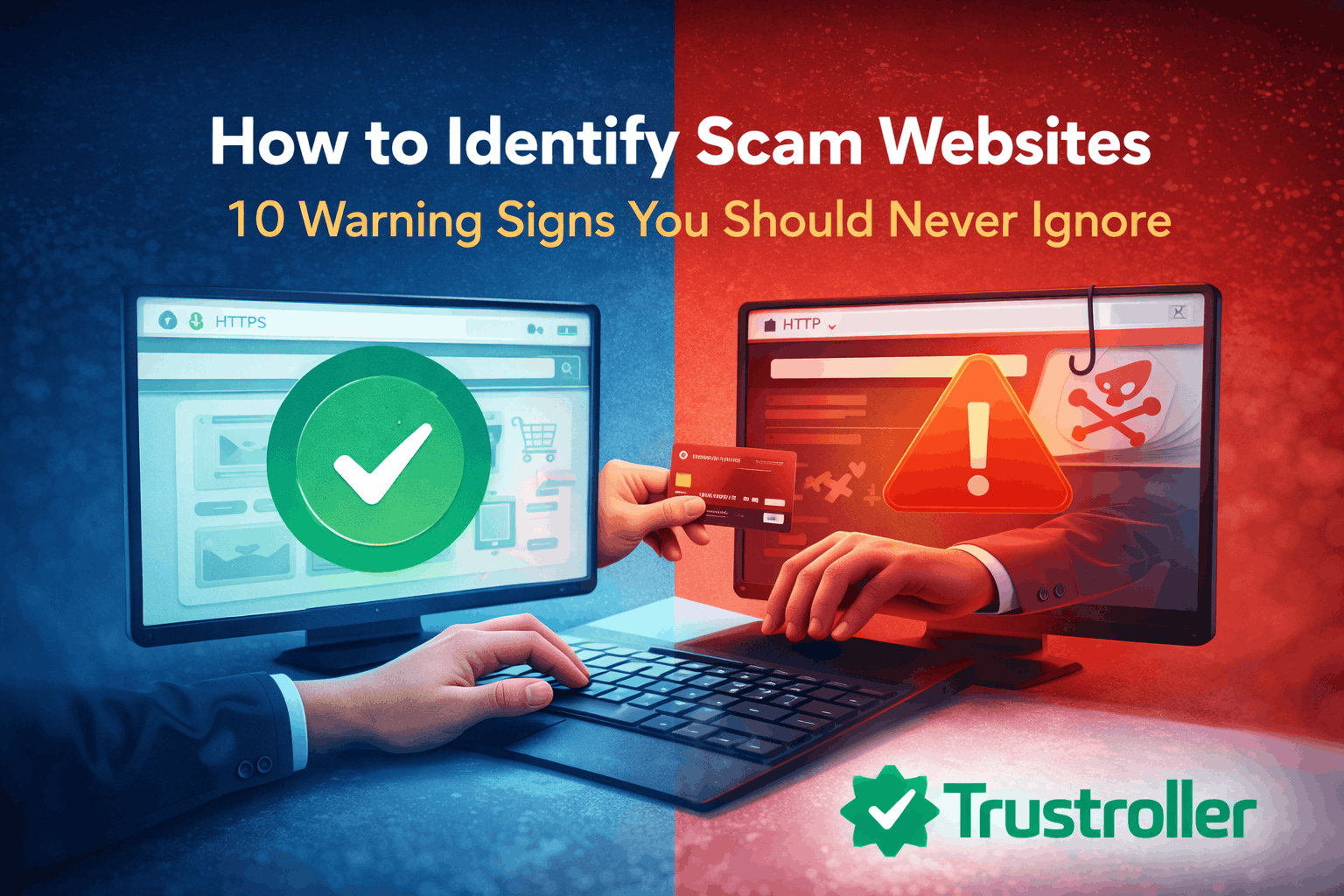
Introduction: Why Scam Websites Are Increasing Every Day
In today’s digital world, scam websites are growing at an alarming rate. Every day, thousands of users fall victim to fake online stores, fraudulent investment platforms, phishing websites, and impersonation scams. These scam websites look professional, convincing, and trustworthy—making it difficult for users to identify them at first glance.
Scammers are constantly evolving. They use fake reviews, stolen brand logos, social media ads, and even AI-generated content to trick users. Whether you are shopping online, signing up for a service, investing money, or downloading software, knowing how to identify scam websites is essential for staying safe online.
This guide will help you understand 10 clear warning signs of scam websites, how scammers operate, and what steps you should take if you encounter a suspicious website.
What Is a Scam Website?
A scam website is a fraudulent website created to deceive users into providing money, personal information, login credentials, or financial data. These websites often pretend to be legitimate businesses, popular brands, or trusted platforms.
Common goals of scam websites include:
Stealing credit card information
Collecting personal data
Scamming users with fake products or services
Spreading malware or phishing attacks
If you want to stay safe online, understanding scam website behavior is the first step.
1. Unrealistic Offers That Sound Too Good to Be True
One of the most common signs of a scam website is unrealistic offers. If a website promises extremely low prices, guaranteed profits, or unbelievable discounts, it’s a major red flag.
Examples include:
Luxury products at 80–90% discount
Guaranteed investment returns
Free giveaways that require payment details
Legitimate businesses do not offer unrealistic deals without clear conditions.
👉 Internal link suggestion:
Read more in Online Shopping Tips about safe buying practices.
2. No Proper Contact Information or Company Details
Legitimate websites always provide clear business information. Scam websites often hide or fake this data.
Red flags include:
No phone number or business address
Only a generic contact form
Fake company registration details
Before trusting any website, check:
“About Us” page
Contact page
Legal disclosures
3. Poor Website Design and Grammar Mistakes
Many scam websites are rushed and poorly built. While some look professional, many still show clear signs such as:
Spelling and grammar mistakes
Broken links
Low-quality images
Inconsistent branding
Legitimate companies invest in professional website quality.
4. Fake Reviews and Testimonials
Scammers often display fake reviews to build trust quickly. These reviews usually:
Sound overly positive
Lack specific details
Use generic names
Appear copied across multiple websites
If all reviews look perfect, be cautious.
👉 Internal link suggestion:
Check Review Tips & Guides to learn how to spot fake reviews.
5. Recently Created Domain Name
Many scam websites are newly created and disappear quickly after scamming users.
You can check:
Domain age
Ownership details
Websites registered just a few days or weeks ago should be treated with caution.
👉 External tool example:
Use WHOIS lookup services like whois.domaintools.com
6. No HTTPS or Suspicious Security Certificates
Secure websites use HTTPS encryption. Scam websites may:
Lack HTTPS
Use invalid SSL certificates
Display browser security warnings
Never enter sensitive information on unsecured websites.
7. Pressure Tactics and Urgency Messages
Scam websites often create panic using phrases like:
“Only 5 minutes left”
“Your account will be suspended”
“Act now or lose access”
This urgency is designed to stop users from thinking critically.
8. Suspicious Payment Methods
Legitimate websites offer trusted payment options. Scam websites often request:
Wire transfers
Gift cards
Cryptocurrency only
Direct bank payments
Always use payment methods with buyer protection.
9. Copied Content and Fake Branding
Scammers frequently copy content from legitimate websites. Look out for:
Stolen logos
Copied product descriptions
Fake social media badges
If branding looks inconsistent, it’s a red flag.
10. No Social Media Presence or Fake Profiles
Most legitimate businesses have active social media accounts. Scam websites either:
Have no social presence
Use fake followers
Have recently created profiles
Check comments and engagement to verify authenticity.
👉 Internal link suggestion:
Read Social Media Scams for more examples.
What To Do If You Find a Scam Website
If you suspect a website is a scam:
Do not share personal information
Avoid making payments
Report the website
Warn others
👉 Internal link suggestion:
See Consumer Protection guides to report scams properly.
How to Stay Safe Online (Best Practices)
Always research before trusting a website
Read independent reviews
Use strong passwords
Enable two-factor authentication
Keep devices updated
👉 Internal link suggestion:
Read Online Safety & Security for advanced protection tips.
Trusted External Resources (Authority Links)
For additional verification and scam awareness:
FTC Scam Alerts – https://www.ftc.gov/scams
Google Safe Browsing – https://transparencyreport.google.com/safe-browsing
Consumer Protection Agencies
(These help Google trust your content more)
Frequently Asked Questions (FAQ)
Is every new website a scam?
No, but newly created websites should be researched carefully.
Can scam websites have HTTPS?
Yes. HTTPS alone does not guarantee legitimacy.
What is the safest way to shop online?
Use trusted platforms, check reviews, and avoid unknown sellers.
How do I report a scam website?
You can report it to consumer protection agencies or browser security tools.
Are fake reviews common?
Yes. Fake reviews are widely used to manipulate users.
Final Thoughts
Scam websites are becoming more advanced, but users can stay protected by learning the warning signs. Awareness is the strongest defense against online fraud. By following the tips in this guide, you can avoid scams, protect your data, and make safer online decisions.
Comments (0)